Design Bridge
One shared design system for design and code, with a faster way from brief to working prototype, without losing control
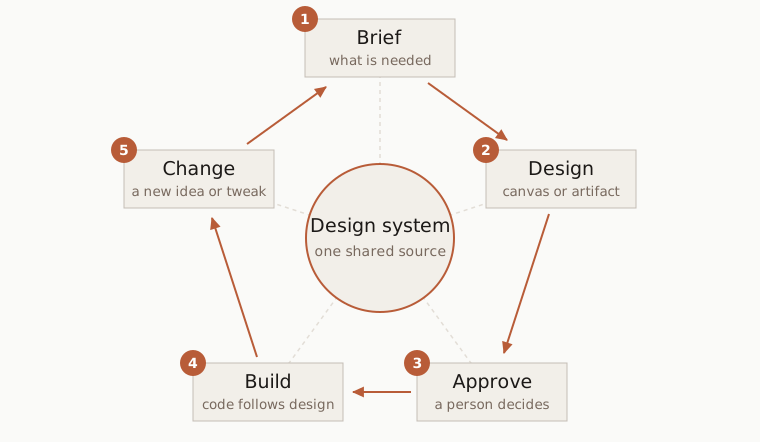
Design and code tend to drift apart. A design is made in one tool and built in another, and every change has to be explained again. Design Bridge connects Claude Design, where the design is explored, with Claude Code, where it is built, so a brief quickly becomes a working prototype and a change goes from idea to code without getting lost on the way.
- A whole design system from a brief. Colours, typography, spacing and the core components can be produced from one brief, either in Claude Design or directly in Claude Code as an artifact.
- Fast prototypes and changes. The design starts from what already exists in the code, so prototypes are realistic from the start and changes can be tried in the design before anything is rebuilt.
- Simpler coding of modules. Every design comes back as a clear description that the code is built against, so modules are coded with fewer questions and fewer decisions made along the way.
- Accessibility carries over. Interactive parts such as dialogs and menus follow fixed rules for focus and keyboard use, so when the modules in the code are accessible, the prototypes are too.
- Without losing control. The design system lives in one place, and a person approves every step. Nothing changes on the side.
This portfolio is the clearest example. Its design system was first set up in Claude Design, and the site was then built from it with Claude Code.
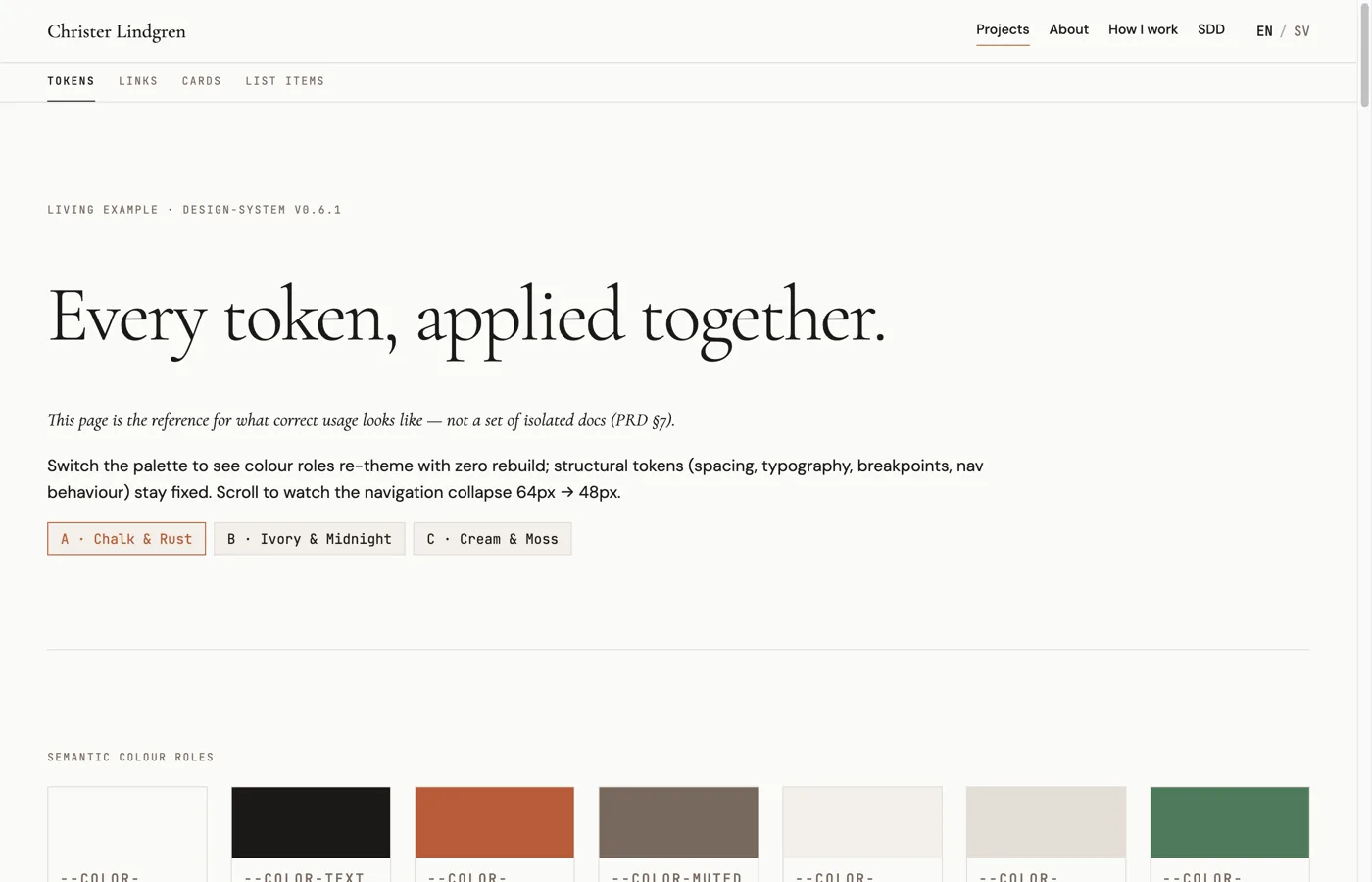
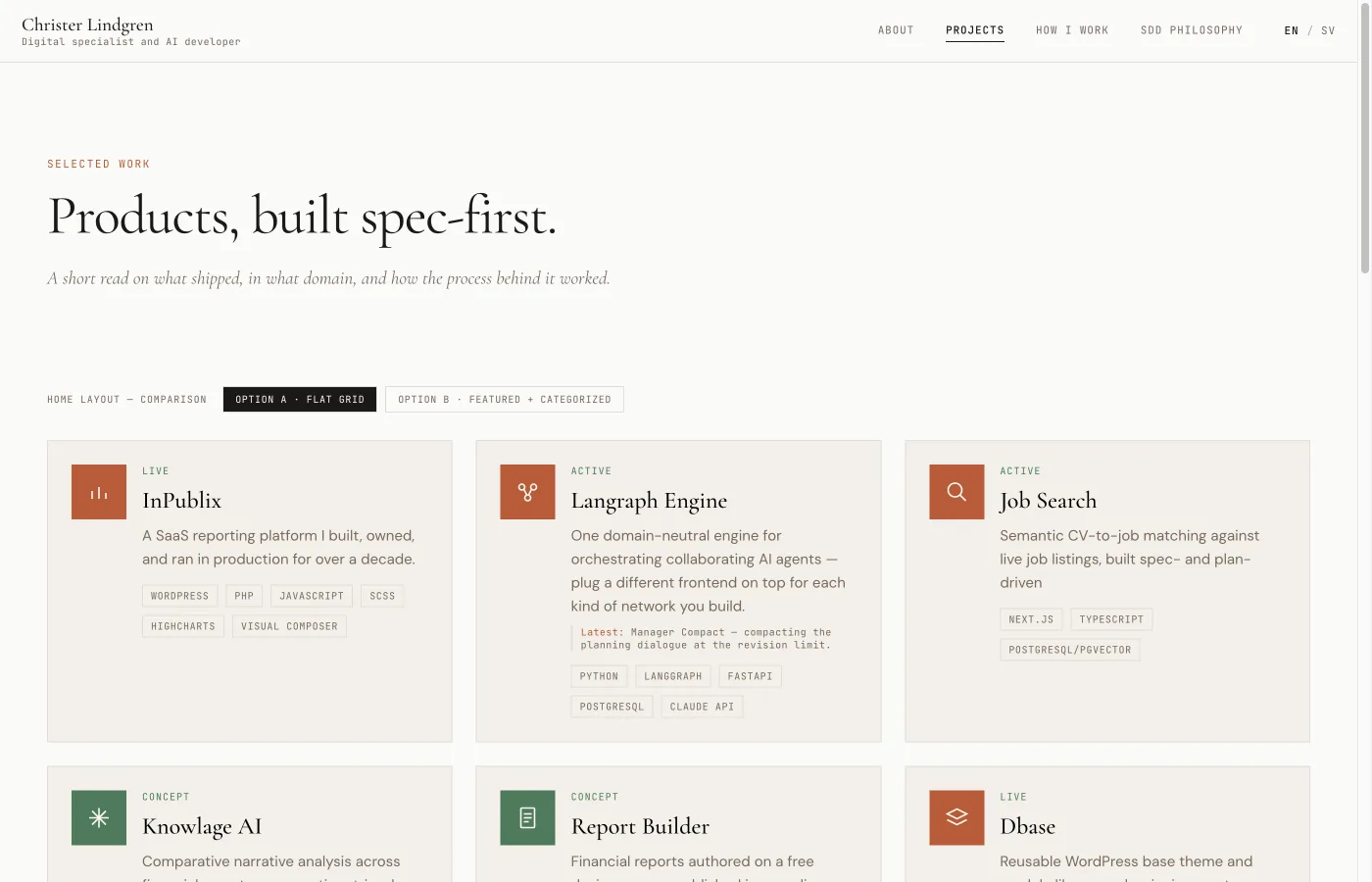
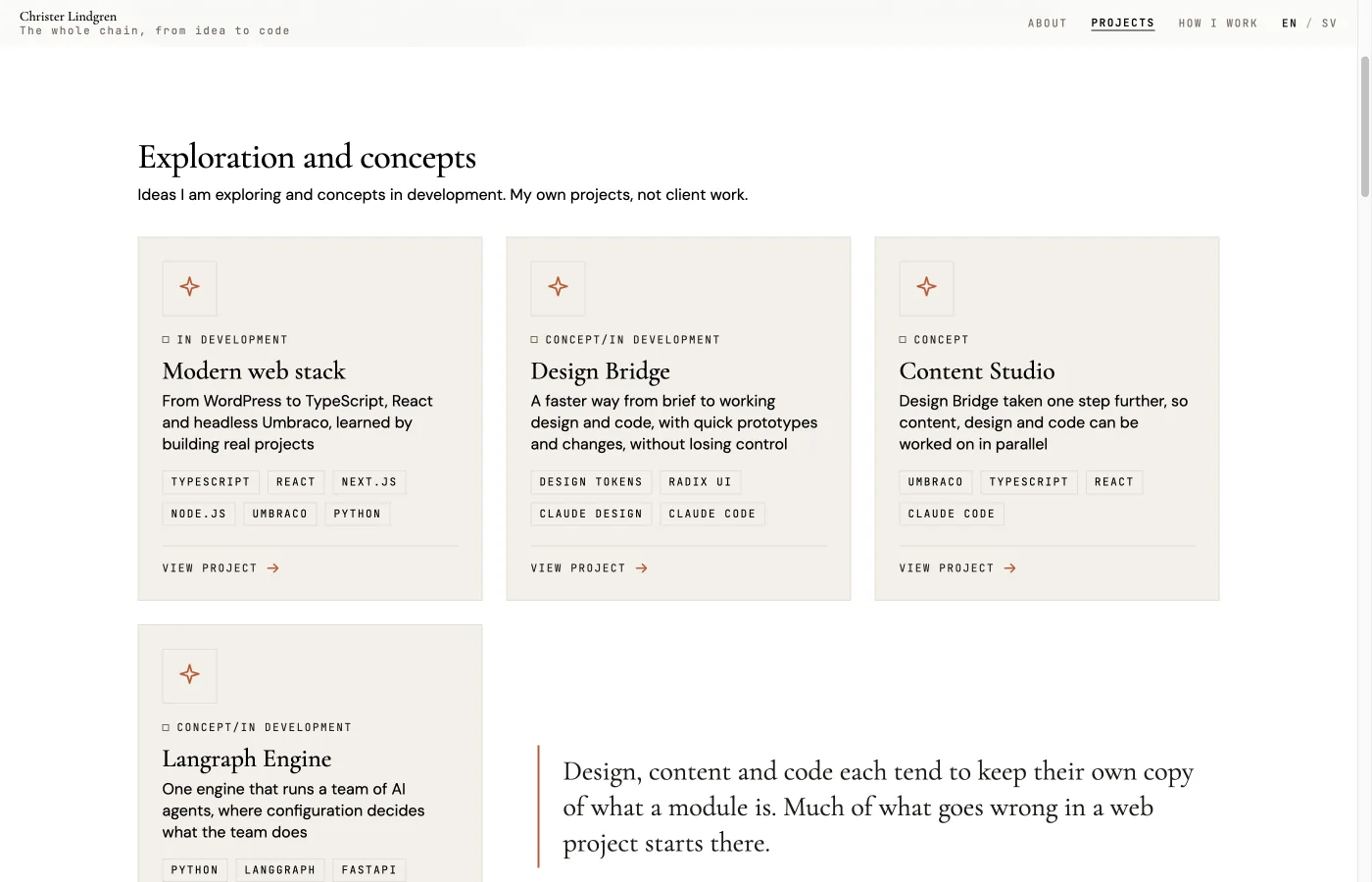
Built and tested in my own projects, not in client work. The next step is still a concept under development: after launch, agents would go through the visitors' most important tasks on the site and suggest improvements, while the decisions stay with the team.
- Design tokens
- Radix UI
- Claude Design
- Claude Code
Process
How the work was done
From brief to prototype
A brief describes what to design and what the code already has. The design is explored in Claude Design or as an artifact in Claude Code, adjusted directly, and comes back as a description the code is built against. A new idea can be seen as a working prototype early, and a change can be tried in the design before anyone rebuilds anything.
A person in every step
Each brief is pasted into Claude Design by a person rather than sent automatically. Claude Design does not respond to an automated request on its own, and the pasted route also gave results that followed the design system more closely. Every brief is saved, so it is always possible to see afterwards why a design looks the way it does.
Presentations from the same system
The same approach also produces presentations. A content plan is drafted from a PRD, a codebase, a CV or free text and approved in two steps, first the plan and then the full content. The result is a ready-to-paste prompt that builds the presentation in the same design system.
It works without AI too
Starting from a design system and from the modules that already exist in the code works by hand as well, with Figma and prototypes coded by hand. AI makes it faster to reach a working prototype, and manual work and AI are combined.
Technical
Architecture & capabilities
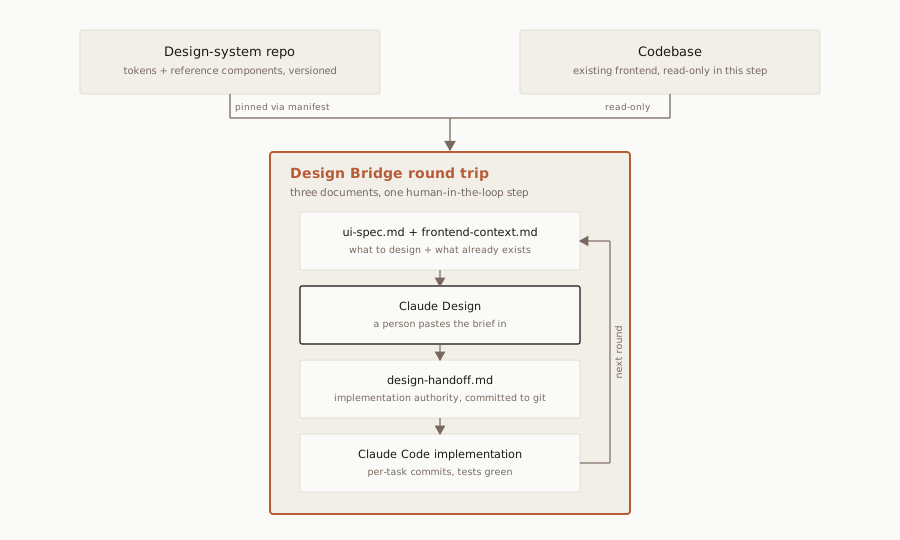
The round-trip
Two documents go to the design tool: ui-spec.md, what to design, and frontend-context.md, what already exists in the code. One comes back: design-handoff.md, which is committed to git and governs the implementation. A Claude Code skill generates the first two from a project's PRD and codebase, and compares the handoff with the existing code before anything is implemented.
A shared design system
Tokens for colour, typography, spacing and breakpoints are defined once, in the W3C DTCG format, and shared by several projects. The palettes share one token file and are switched with a data-palette attribute. Each project pins a specific version of the design system, so an update never changes a project by surprise.
Behaviour contracts
Interactive components such as the dialog and the mobile menu are documented as behaviour contracts: role, focus, keyboard and ARIA attributes, matched to Radix UI primitives. How much accessibility carries over depends on the code. When the modules are accessible, the contracts carry that into the design.
Where the design is made
Chosen per task: on the Claude Design canvas, or as an artifact in Claude Code. The two can be combined, with the first version on the canvas and the work moved to an artifact once the direction is set. Whatever the venue, the design system in git is the source, and changes made on a canvas go back there before anything is built. Because the tokens follow an open format, a link to Figma variables is possible but not yet tried.